

-
Compare & Switch
-
Compare & Switch
Looking to compare, take out private health insurance or make the switch to HCF? Find the right cover for your needs and we’ll take care of the rest.
- Compare Health Insurance
- Switch health insurance to HCF
- Get a quote

-
-
Health
-
Health
Discover the benefits of private health insurance for you and your family, including comprehensive health support and how to find a provider near you.
- Why health insurance
- Find health insurance cover
- Find a provider
- Health programs
- Get a quote Find out more

-
-
Overseas Visitors
-
Overseas Visitors Health Insurance (OVHC)
Whether you’re here for work or visiting Australia, get access to the health care services you may need with Overseas Visitors Health Cover (OVHC).
- Get a quote Find out more

-
-
Life
-
HCF Life and Recover Cover
Count on HCF Life & Recover Cover to stand by you during life’s unexpected challenges and reduce the financial stress on your family’s future.
- Why Life Insurance and Recover Cover
- Find Life Insurance and Recover Cover
- Compare Life Insurance and Recover Cover
- Income Protect Insurance
- Life Protect Insurance
- Critical Illness Insurance
- Find out more

-
-
Travel
-
Travel
Prepare for the unexpected with HCF Travel Insurance. Designed to provide cover for delayed luggage, overseas medical emergencies and more for singles, duos and families.
- Find out more

-
-
Pet, Home & Car
-
Pet, Home & Car
From furry friends to your home and the four wheels guiding you back to your loved ones, find pet insurance, as well as home and car cover options.
- Home & Contents
- Landlord
- Car

-
-
About HCF
-
About HCF
Learn more about Australia’s largest not-for-profit health fund, how we reward our members, HCF benefits, partnerships, research initiatives and more.
- Our benefits
- Our partners
- Member care services
- Research Foundation
- Sustainability
- Loyalty program
- Get help
- Get a quote

-
INFORMATION SECURITY AND PRIVACY
At HCF, the health and safety of our members is our highest priority and we take the responsibility of protecting your personal information very seriously.
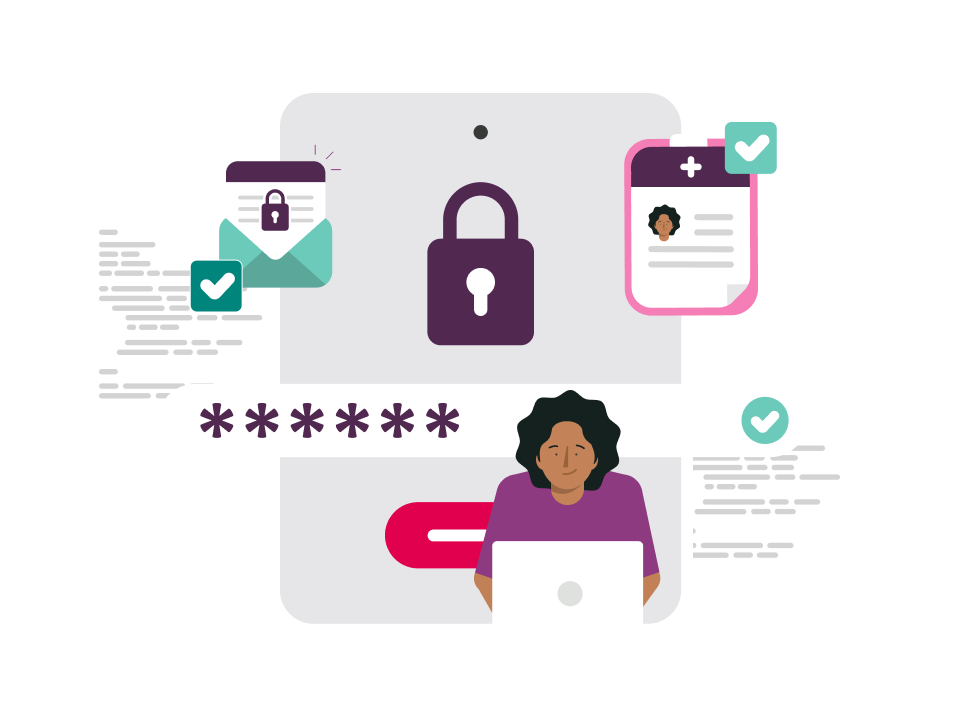
Security features to your online member services

The safety of your personal information is our highest priority.
That’s why we have mandatory multi-factor authentication to secure your log in to the My Membership app and online member services.
When logging in to your online account, you’ll receive a one-time code by SMS or email, which you’ll need to enter.
This security feature is one of the simplest, most effective ways to help prevent unauthorised access to your personal information and health data.
How to use multi-factor authentication
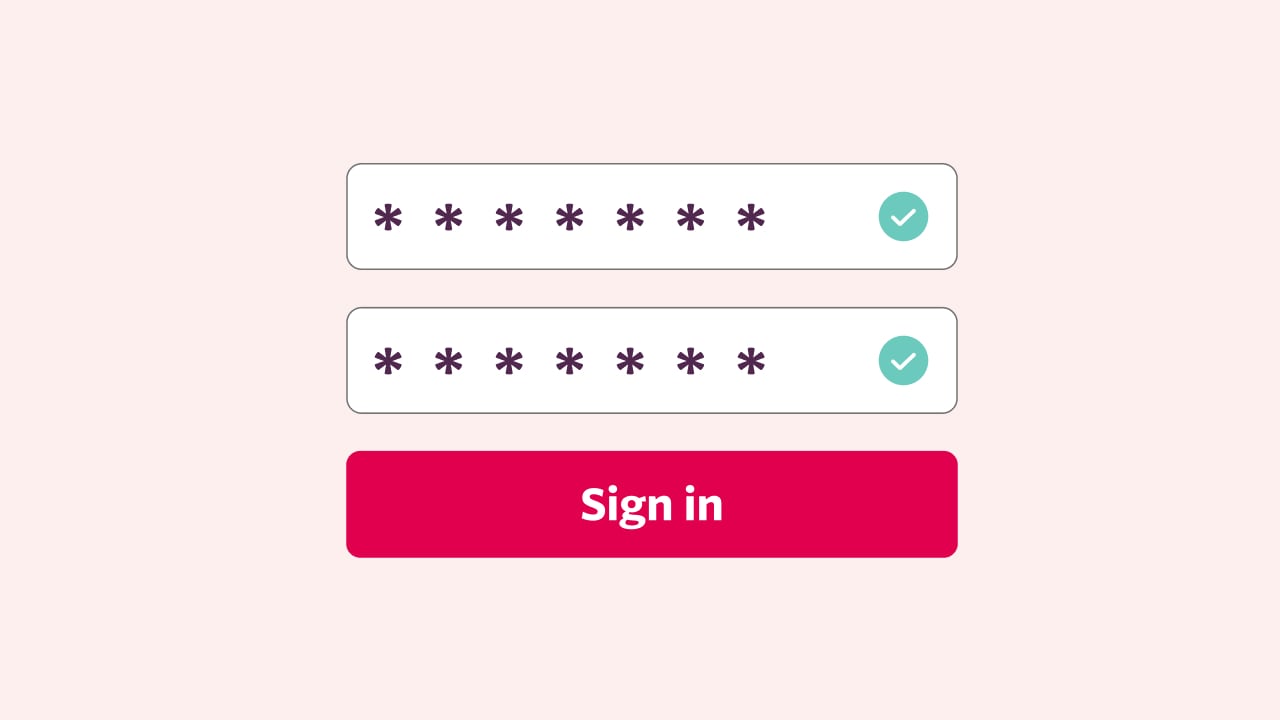
Step 1
Enter your email address and password. Then click log in.
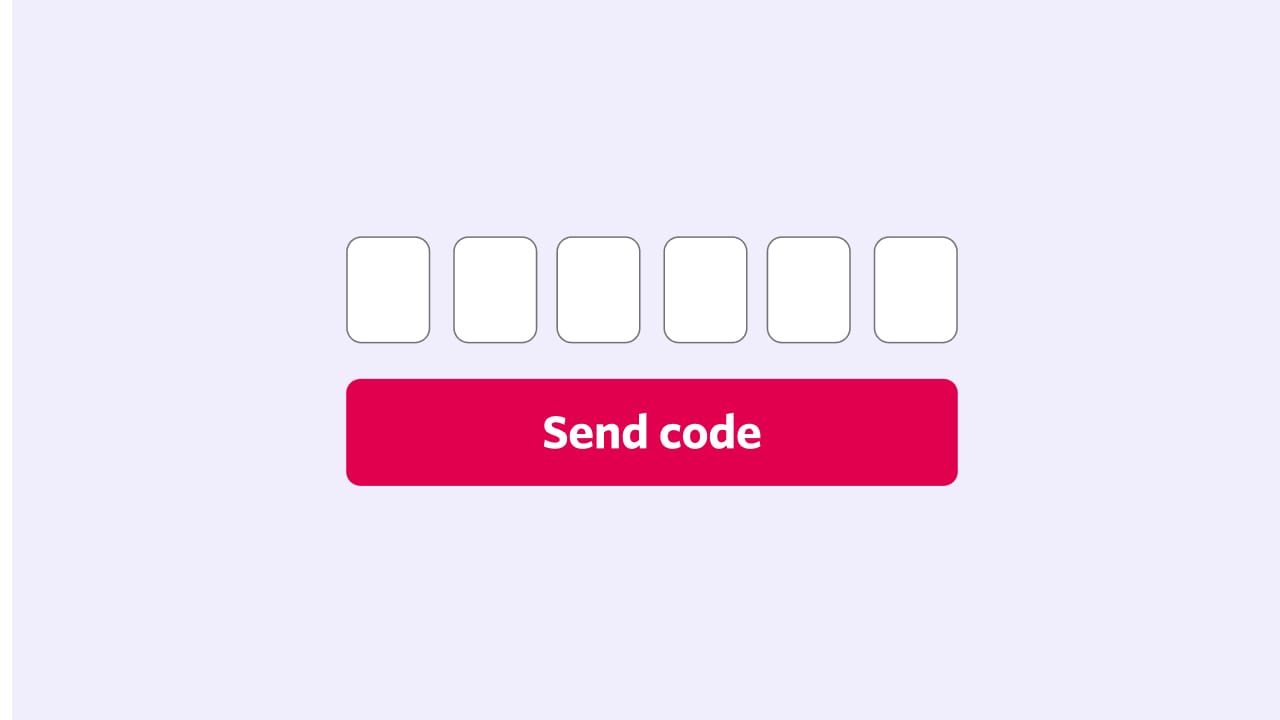
Step 2
Select if you’d like to receive your code by SMS or email.
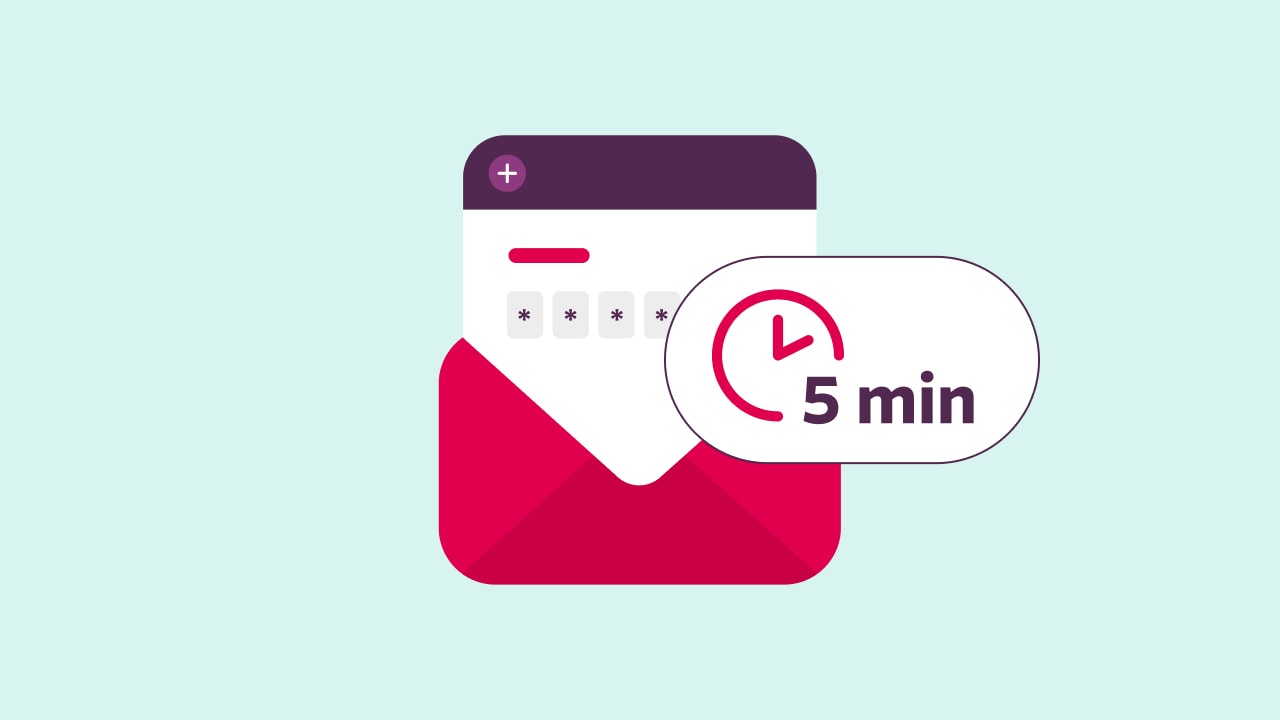
Step 3
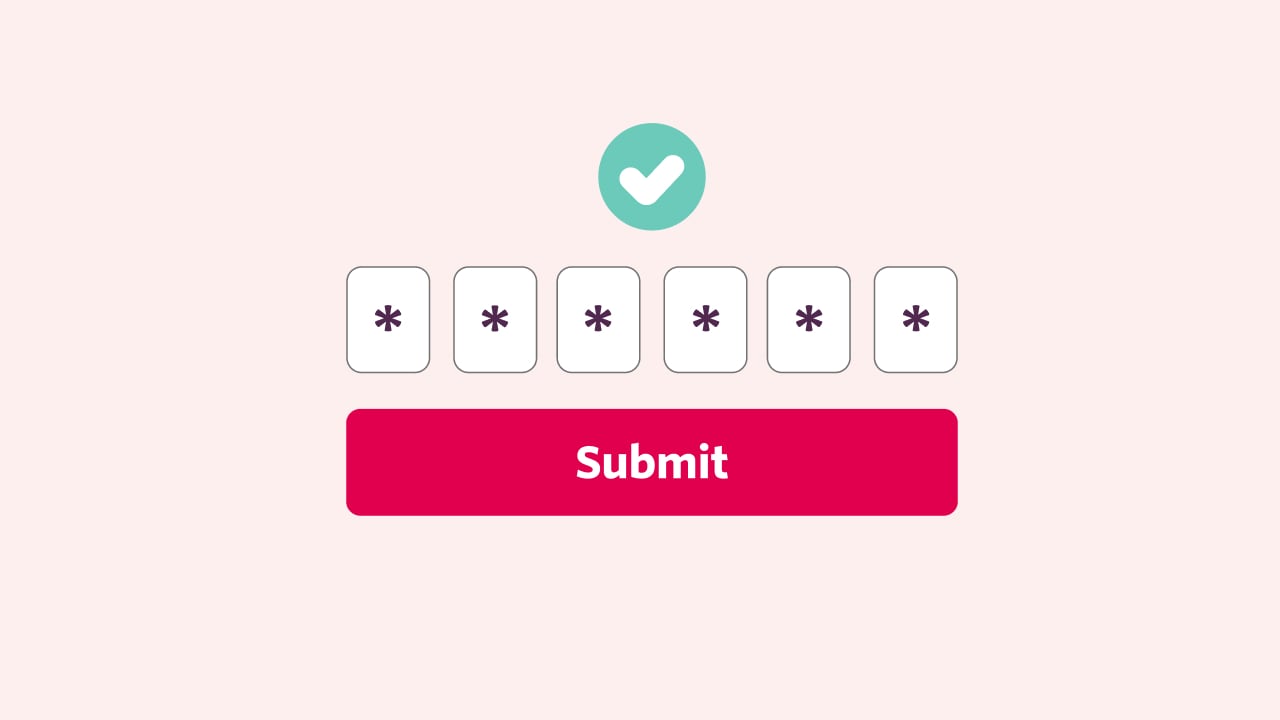
Enter the one-time code. Your code will last for 5 minutes.
Step 4
Click ‘Submit’ to log in.
Protecting your information
Safeguarding your personal information against potential cyber security threats is our priority. That’s why we continuously invest in comprehensive cyber capabilities to protect your information. We monitor our systems for unusual activity around the clock and regularly conduct robust security testing. We’ve also implemented governance processes and controls to manage cyber risks to ensure the protection and security of personal information.
Visit the Australian Cyber Security Centre for news and alerts, and tips on how to stay safe online.
Privacy at HCF
We’re committed to protecting your privacy and managing your information in accordance with the HCF Privacy Policy, as well as our obligations under relevant state legislation dealing with privacy and health records.

The HCF Privacy Policy includes information on:
- the nature of the personal information we may collect
- how we collect and use your personal information
- who we disclose your personal information to
- what happens if you don’t provide this information or don’t want us to use or disclose the information
- storage and security of your personal information
- your privacy rights
- contacts if you have a concern or query in relation to privacy.
How to practice safe digital habits
Practicing good digital habits is important to keeping you safe.
To build strong digital habits:
- set strong and unique passwords on all online accounts and use multi-factor authentication where available
- turn on automatic software updates to make sure your devices have the latest security protection
- install antivirus software where possible and regularly back up devices
- only download apps from app stores you know and trust, like Apple’s App Store or Google Play for Android, and turn on automatic app updates for the latest security protection
- never click on suspicious or unknown links in emails, SMS or social media messages
- limit the amount of information you share on social media or consider changing your setting to a private account.

The importance of being alert at all times
HCF will never contact you and ask for your password or personal information without verifying your identity first.
If you’ve noticed any suspicious activity or communications from HCF, please report it immediately to our Fraud Response Team by calling us on 1800 727 721 or emailing fraudresponseteam@hcf.com.au.
Concerned about the potential misuse of your information?
You can contact IDCARE, Australia’s national identity and cybersecurity community support service if you have any concerns relating to the use of your personal information. IDCARE provides free and anonymous support, as well as information and resources on how to protect your personal information. Call 1300 432 273 or visit the IDCARE Learning Centre.
You can also refer to Scamwatch for more news, alerts and help about scams.
The importance of fraud awareness
Health insurance fraud is wide-ranging and can include identity fraud, when someone uses your personal details without your permission to gain financial benefit. We continuously monitor member accounts for unusual activity to help protect you and your data.

To help protect yourself and HCF against fraud:
- never leave your HCF membership card with anyone, even a provider
- always check the details on your receipt and your claims history
- use a strong password to log in to online member services and update it regularly
- be aware of phishing and spoofing scams
- report any suspicious behaviour or irregularities.


Multi-factor authentication is a security measure that requires 2 or more verification methods to confirm your identity when you log in to the My Membership app or online member services. It's one of the most effective ways to protect your valuable information and account from unauthorised access.
Many organisations have adopted multi-factor authentication, an essential protection measure in today’s cyber security and safety landscape. Multi-factor authentication makes it harder for cyber criminals to access your personal information by adding another layer of verification to the log in experience.
To help prevent unauthorised access to your HCF online accounts and add another layer of security to your HCF membership, we’ve added mandatory multi-factor authentication to our online log in experience.
This means you'll need to enter a one-time code when you log in to the My Membership app or online member services. This code is valid for 5 minutes before it expires. If the code expires before you use it, you'll need to request a new one from the log in screen.
If the email or mobile number linked to your policy is wrong, you can change it by contacting our team by calling 13 13 34 or by visiting a branch.
Yes, you can still use multi-factor authentication if you don’t have a smartphone or mobile device. If you don’t have a mobile device, it’s important to make sure the email linked to your policy is correct, as this is where we’ll send your one-time code. If the email is incorrect, get in touch with our team by calling 13 13 34 or by visiting a branch.
The code should arrive instantly, though there are many factors that might impact how long it takes to receive your code, like where you’re located, your mobile or service provider and your signal strength.
Yes, you can still use biometrics to log in to your membership account. Once your biometrics have been accepted, you’ll be prompted to enter a one-time code.
When you log in from a mobile device, desktop, or laptop, we’ll remember that device or browser after you successfully authenticate. The email you receive is simply a notification asking you to confirm that it was you who logged in. Once a device or browser has been recognised and trusted, future logins from that same device or browser will be smoother and more convenient, while still maintaining the security of your account.
Multi-factor authentication is a security measure that requires 2 or more verification methods to confirm your identity when you log in to the My Membership app or online member services. It's one of the most effective ways to protect your valuable information and account from unauthorised access.
Many organisations have adopted multi-factor authentication, an essential protection measure in today’s cyber security and safety landscape. Multi-factor authentication makes it harder for cyber criminals to access your personal information by adding another layer of verification to the log in experience.
To help prevent unauthorised access to your HCF online accounts and add another layer of security to your HCF membership, we’ve added mandatory multi-factor authentication to our online log in experience.
This means you'll need to enter a one-time code when you log in to the My Membership app or online member services. This code is valid for 5 minutes before it expires. If the code expires before you use it, you'll need to request a new one from the log in screen.
If the email or mobile number linked to your policy is wrong, you can change it by contacting our team by calling 13 13 34 or by visiting a branch.
Yes, you can still use multi-factor authentication if you don’t have a smartphone or mobile device. If you don’t have a mobile device, it’s important to make sure the email linked to your policy is correct, as this is where we’ll send your one-time code. If the email is incorrect, get in touch with our team by calling 13 13 34 or by visiting a branch.
The code should arrive instantly, though there are many factors that might impact how long it takes to receive your code, like where you’re located, your mobile or service provider and your signal strength.
Yes, you can still use biometrics to log in to your membership account. Once your biometrics have been accepted, you’ll be prompted to enter a one-time code.
When you log in from a mobile device, desktop, or laptop, we’ll remember that device or browser after you successfully authenticate. The email you receive is simply a notification asking you to confirm that it was you who logged in. Once a device or browser has been recognised and trusted, future logins from that same device or browser will be smoother and more convenient, while still maintaining the security of your account.
Multi-factor authentication is a security measure that requires 2 or more verification methods to confirm your identity when you log in to the My Membership app or online member services. It's one of the most effective ways to protect your valuable information and account from unauthorised access.
Many organisations have adopted multi-factor authentication, an essential protection measure in today’s cyber security and safety landscape. Multi-factor authentication makes it harder for cyber criminals to access your personal information by adding another layer of verification to the log in experience.
To help prevent unauthorised access to your HCF online accounts and add another layer of security to your HCF membership, we’ve added mandatory multi-factor authentication to our online log in experience.
This means you'll need to enter a one-time code when you log in to the My Membership app or online member services. This code is valid for 5 minutes before it expires. If the code expires before you use it, you'll need to request a new one from the log in screen.
If the email or mobile number linked to your policy is wrong, you can change it by contacting our team by calling 13 13 34 or by visiting a branch.
Yes, you can still use multi-factor authentication if you don’t have a smartphone or mobile device. If you don’t have a mobile device, it’s important to make sure the email linked to your policy is correct, as this is where we’ll send your one-time code. If the email is incorrect, get in touch with our team by calling 13 13 34 or by visiting a branch.
The code should arrive instantly, though there are many factors that might impact how long it takes to receive your code, like where you’re located, your mobile or service provider and your signal strength.
Yes, you can still use biometrics to log in to your membership account. Once your biometrics have been accepted, you’ll be prompted to enter a one-time code.
When you log in from a mobile device, desktop, or laptop, we’ll remember that device or browser after you successfully authenticate. The email you receive is simply a notification asking you to confirm that it was you who logged in. Once a device or browser has been recognised and trusted, future logins from that same device or browser will be smoother and more convenient, while still maintaining the security of your account.
Need help or support?
If you can’t find what you’re looking for, our team are ready to help and guide you in the right direction.

Contact us
Contact our team if you have any questions about your personal information or our information security measures.

Code of conduct
Learn about the Private Health Insurance Code of Conduct and our commitment to industry best practice.

HCF acknowledges the traditional custodians of the lands and water upon which we work and live. We acknowledge Aboriginal and Torres Strait Islander peoples’ rich history as traditional healers and scientists, who have taken care of the health of the land and its people for thousands of years. We give thanks to elders past and present, who we have much to learn from on our reconciliation journey. View our Reconciliation Action Plan