

-
Compare & Switch
-
Compare & Switch
Looking to compare, take out private health insurance or make the switch to HCF? Find the right cover for your needs and we’ll take care of the rest.
- Compare Health Insurance
- Switch health insurance to HCF
- Get a quote

-
-
Health
-
Health
Discover the benefits of private health insurance for you and your family, including comprehensive health support and how to find a provider near you.
- Why health insurance
- Find health insurance cover
- Find a provider
- Health programs
- Get a quote Find out more

-
-
Overseas Visitors
-
Overseas Visitors
- Get a quote Find out more

-
-
Life
-
HCF Life and Recover Cover
Count on HCF Life & Recover Cover to stand by you during life’s unexpected challenges and reduce the financial stress on your family’s future.
- Income Protect Insurance
- Find out more

-
-
Travel
-
Travel
Prepare for the unexpected with HCF Travel Insurance. Designed to provide cover for delayed luggage, overseas medical emergencies and more for singles, duos and families.
- Find out more

-
-
Pet, Home & Car
-
Pet, Home & Car
From furry friends to your home and the four wheels guiding you back to your loved ones, find pet insurance, as well as home and car cover options.
- Home & Contents
- Landlord
- Car
- Pet

-
-
About HCF
-
About HCF
Learn more about Australia’s largest not-for-profit health fund, how we reward our members, HCF benefits, partnerships, research initiatives and more.
- Our Benefits
- Our partners
- Member care
- Research Foundation
- Sustainability
- Loyalty program
- Get help
- Get a quote

-
Digital membership card
HCF's digital membership card is available in the My Membership app on supported Apple or Android devices^. Download the app from the App Store or Google Play today.
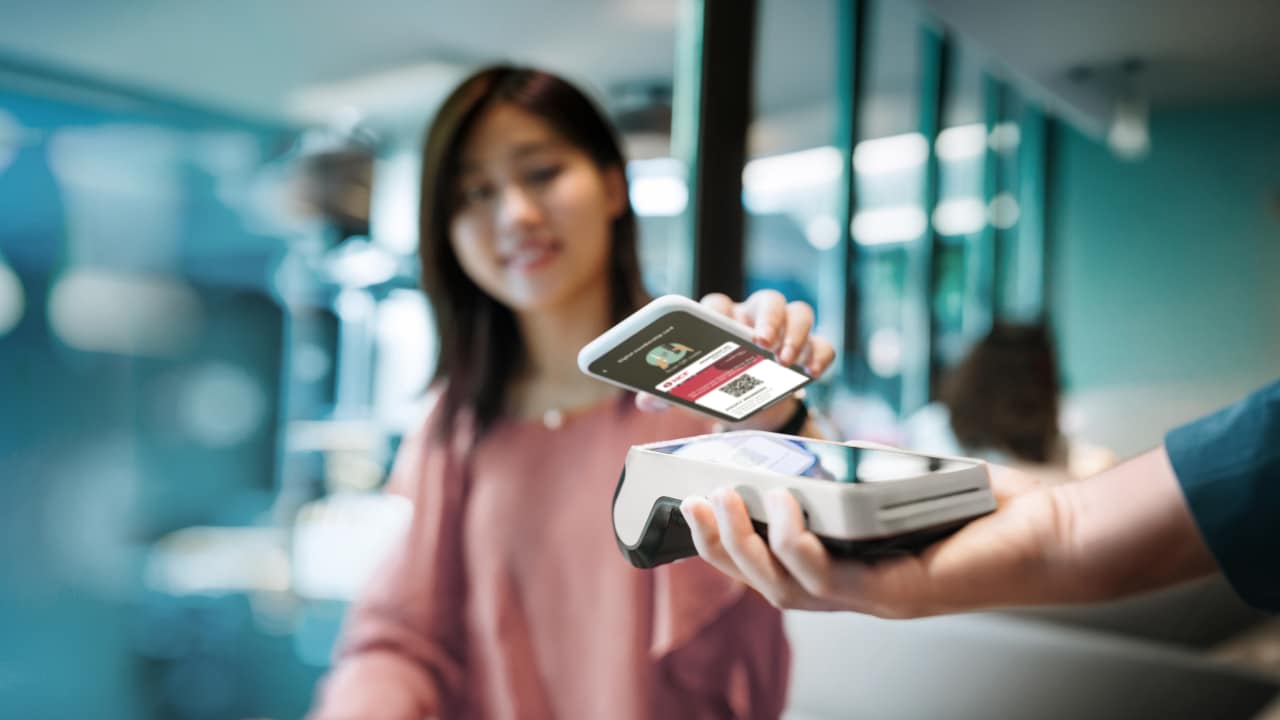
About HCF’s Digital Card

Who can use it
HCF's digital card is available to all members+ who have registered with the My Membership app and have a supported Apple or Android mobile device^.

Where to find it
You’ll find your digital card in the My Membership app. Download the app from the App Store or Google Play. You’ll need at least Android 8 or iOS 13.

Digital or physical card – it’s up to you
Your digital card is automatically activated in the My Membership app for tap-and-go or QR code use*, but you can continue using your physical card if you prefer.
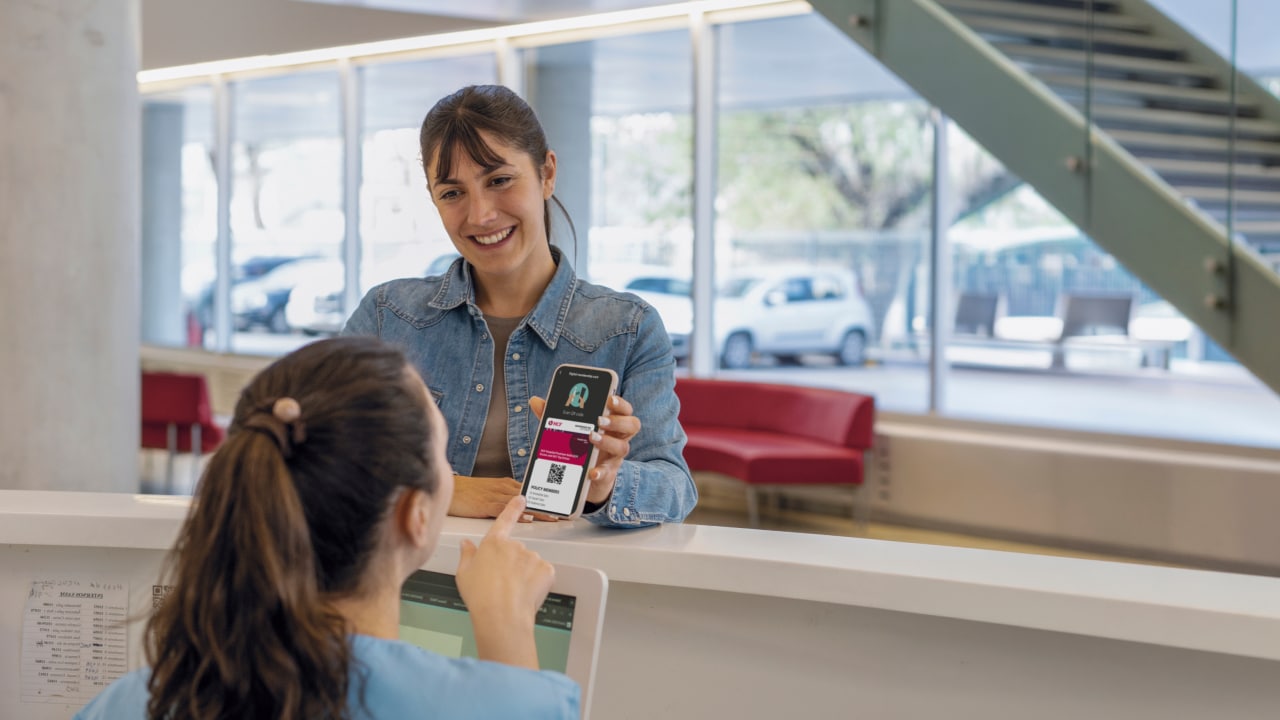
Claim extras on the spot with your mobile
You can use your digital membership card in the My Membership app to claim on the spot at selected extras providers*, using a QR code of tap‑and‑go on compatible devices.
All you need is a supported Android or Apple device^ and the My Membership app to get money back in your pocket on your favourite extras.
How to claim at your extras provider
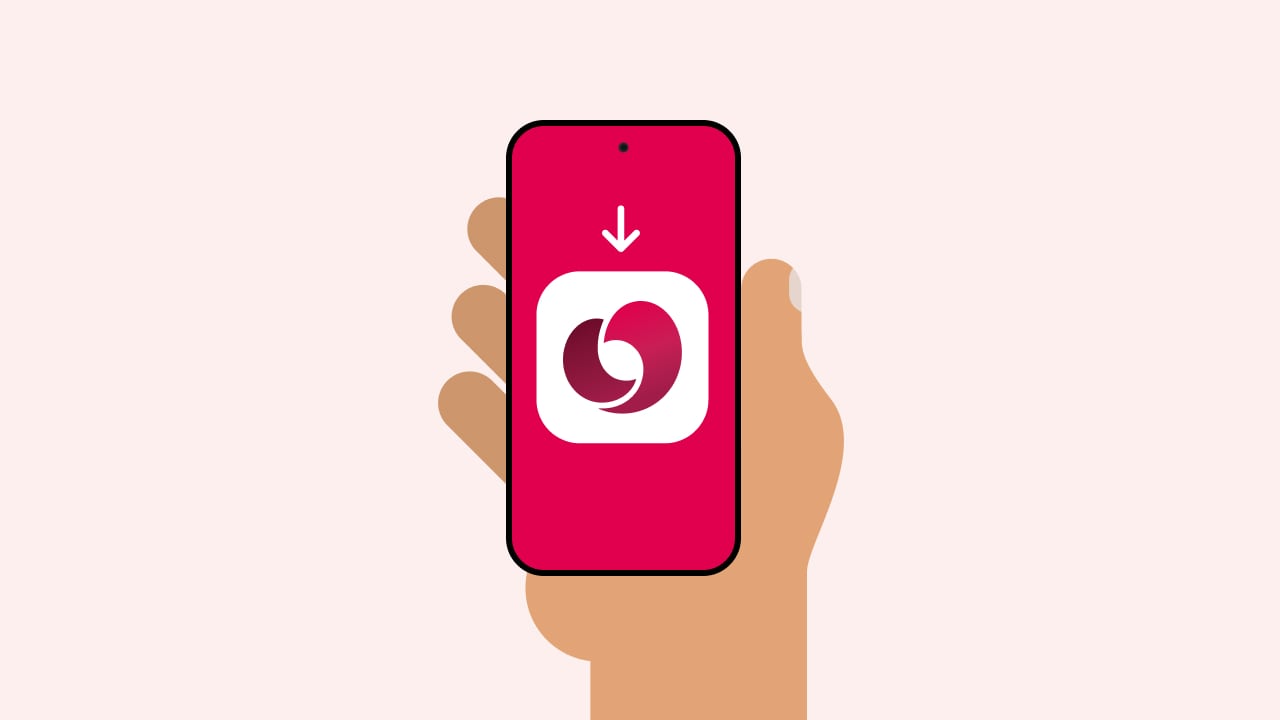
STEP 1
Download the app
Download the most recent version of the My Membership app and connect to the internet.
For Android users using tap-and-go, make sure NFC is switched on in your device settings.
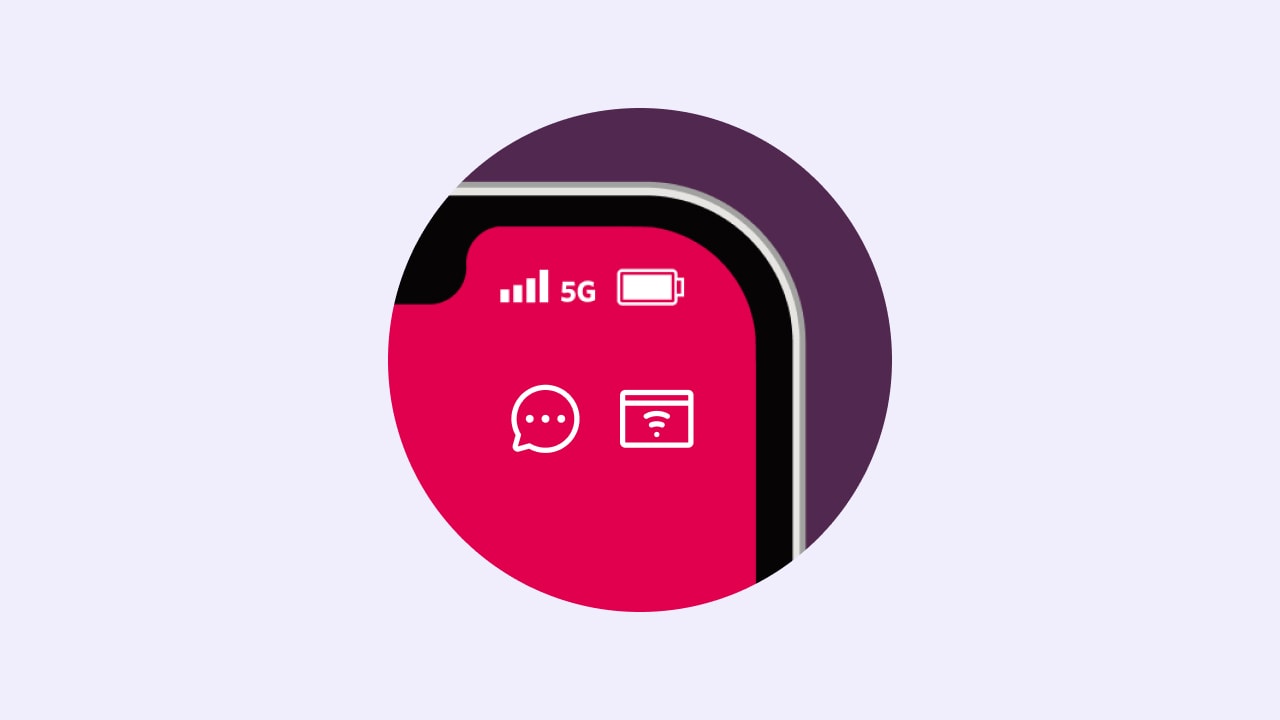
STEP 2
Open your digital card
Within the app, tap the card icon in the top right corner and your digital card will appear.
STEP 3
Scan or tap your device
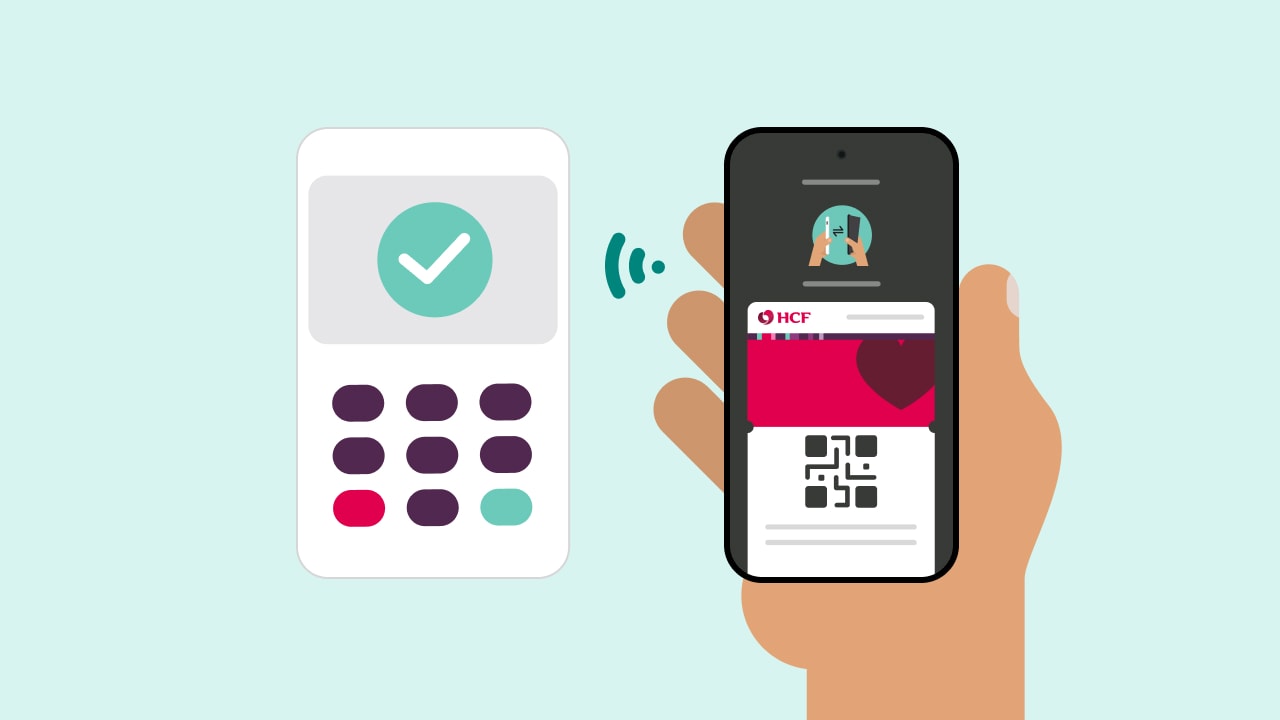
To claim, scan your QR code or tap your device at the provider terminal* until you hear a beep.
STEP 4
Your claim will be processed
The provider will let you know if your claim has been approved. You'll need to pay any difference that's owing.
Looking for more information?


Currently, you can’t add your digital card to a digital wallet. You can only access it through the My Membership app on a supported Apple or Android device^.
You can access your digital card within 2 business days of joining an HCF health cover, as long as you’ve downloaded and registered with the My Membership app. Your digital card doesn’t have an expiry date.
If your physical card is lost or stolen, please contact us to let us know and we’ll deactivate your membership cards, including your digital card in the My Membership app. Once your card is deactivated, your digital card icon may be temporarily missing from the app. This is expected and generally lasts up to 2 business days, until your new digital card is issued and reappears in the app.
The digital card uses a QR code for both Android and Apple devices and is refreshed every 20 minutes to reduce the risk of unauthorised access to your cover benefits.
For Android users, you can also use tap-and-go (NFC) to make a claim. This is the same technology you use when you tap your debit or credit card to pay in a store.
Apple and Android users with a supported device^ can use the QR code on their digital card* to claim at extras providers with HICAPS Trinity payment terminals.
Android users also have the option of using tap-and-go to claim at extras providers with HICAPS VX, HICAPS Trinity or CommBank Smart Health payment terminals.
You can use your digital card in the same way in hospitals for eligibility checks.
If your digital card icon disappears in the My Membership app, it’s usually because your membership card is being updated. When a new physical card is requested (for example, after a change to your membership or your card is lost or stolen), your old digital card is deactivated and there’s then a short processing period before the new card is issued.
During this time, your digital card icon may be temporarily missing from the app. This generally lasts up to 2 business days until your new digital card becomes available. If your digital card hasn’t reappeared after this time, please get in touch with us for support.
Currently, you can’t add your digital card to a digital wallet. You can only access it through the My Membership app on a supported Apple or Android device^.
You can access your digital card within 2 business days of joining an HCF health cover, as long as you’ve downloaded and registered with the My Membership app. Your digital card doesn’t have an expiry date.
If your physical card is lost or stolen, please contact us to let us know and we’ll deactivate your membership cards, including your digital card in the My Membership app. Once your card is deactivated, your digital card icon may be temporarily missing from the app. This is expected and generally lasts up to 2 business days, until your new digital card is issued and reappears in the app.
The digital card uses a QR code for both Android and Apple devices and is refreshed every 20 minutes to reduce the risk of unauthorised access to your cover benefits.
For Android users, you can also use tap-and-go (NFC) to make a claim. This is the same technology you use when you tap your debit or credit card to pay in a store.
Apple and Android users with a supported device^ can use the QR code on their digital card* to claim at extras providers with HICAPS Trinity payment terminals.
Android users also have the option of using tap-and-go to claim at extras providers with HICAPS VX, HICAPS Trinity or CommBank Smart Health payment terminals.
You can use your digital card in the same way in hospitals for eligibility checks.
If your digital card icon disappears in the My Membership app, it’s usually because your membership card is being updated. When a new physical card is requested (for example, after a change to your membership or your card is lost or stolen), your old digital card is deactivated and there’s then a short processing period before the new card is issued.
During this time, your digital card icon may be temporarily missing from the app. This generally lasts up to 2 business days until your new digital card becomes available. If your digital card hasn’t reappeared after this time, please get in touch with us for support.
Currently, you can’t add your digital card to a digital wallet. You can only access it through the My Membership app on a supported Apple or Android device^.
You can access your digital card within 2 business days of joining an HCF health cover, as long as you’ve downloaded and registered with the My Membership app. Your digital card doesn’t have an expiry date.
If your physical card is lost or stolen, please contact us to let us know and we’ll deactivate your membership cards, including your digital card in the My Membership app. Once your card is deactivated, your digital card icon may be temporarily missing from the app. This is expected and generally lasts up to 2 business days, until your new digital card is issued and reappears in the app.
The digital card uses a QR code for both Android and Apple devices and is refreshed every 20 minutes to reduce the risk of unauthorised access to your cover benefits.
For Android users, you can also use tap-and-go (NFC) to make a claim. This is the same technology you use when you tap your debit or credit card to pay in a store.
Apple and Android users with a supported device^ can use the QR code on their digital card* to claim at extras providers with HICAPS Trinity payment terminals.
Android users also have the option of using tap-and-go to claim at extras providers with HICAPS VX, HICAPS Trinity or CommBank Smart Health payment terminals.
You can use your digital card in the same way in hospitals for eligibility checks.
If your digital card icon disappears in the My Membership app, it’s usually because your membership card is being updated. When a new physical card is requested (for example, after a change to your membership or your card is lost or stolen), your old digital card is deactivated and there’s then a short processing period before the new card is issued.
During this time, your digital card icon may be temporarily missing from the app. This generally lasts up to 2 business days until your new digital card becomes available. If your digital card hasn’t reappeared after this time, please get in touch with us for support.
Need help or support?
If you can’t find what you’re looking for, our team are ready to help and guide you in the right direction.

Download the app
If you’re having trouble accessing or finding your digital card, try reinstalling the My Membership app^.

Contact us
If you’re still experiencing issues and need help setting up your device, call our team on 13 13 34.
Important information
* Android and Apple users with a supported device can scan the QR code on their digital card at providers with HICAPS Trinity payment terminals. Android users can also use tap-and-go (NFC) at providers with HICAPS VX, HICAPS Trinity or CommBank Smart Health payment terminals.
^ Supported Apple devices run at least iOS 13. Supported Android devices run at least Android 8.
+ HCF’s digital card is available to primary policyholders whose payments are up to date.

HCF acknowledges the traditional custodians of the lands and water upon which we work and live. We acknowledge Aboriginal and Torres Strait Islander peoples’ rich history as traditional healers and scientists, who have taken care of the health of the land and its people for thousands of years. We give thanks to elders past and present, who we have much to learn from on our reconciliation journey. View our Reconciliation Action Plan